> ## Documentation Index
> Fetch the complete documentation index at: https://docs.datafdn.org/llms.txt
> Use this file to discover all available pages before exploring further.
# Global Wallet
> DATA Foundation의 Global Wallet을 사용하여 앱에서 Dynamic 소셜 로그인을 활성화하세요.
DATA Foundation Global Wallet은 Dynamic 기반의 지갑 경험으로, 앱에 단 하나의 import만 추가하여 활성화할 수 있습니다.
## 통합하기
앱에 패키지를 설치하세요 ([npm 페이지](https://www.npmjs.com/package/@story-protocol/global-wallet) 참조):
```bash npm theme={null}
npm install @story-protocol/global-wallet
```
루트 클라이언트 컴포넌트 상단에 이 import를 추가하세요:
```tsx theme={null}
import "@story-protocol/global-wallet/story";
```
## 사용자가 얻는 것
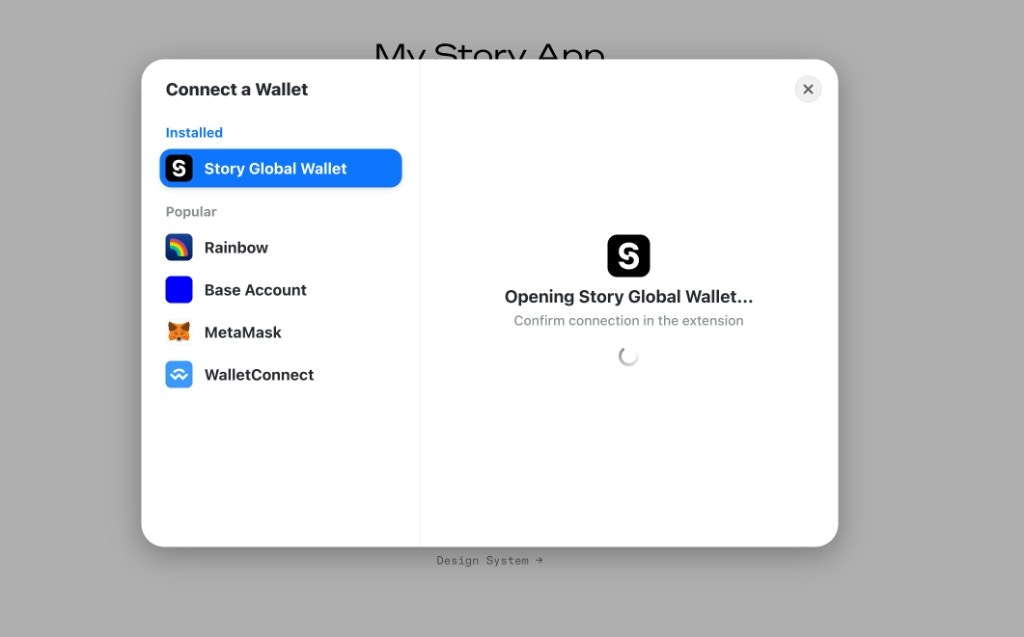
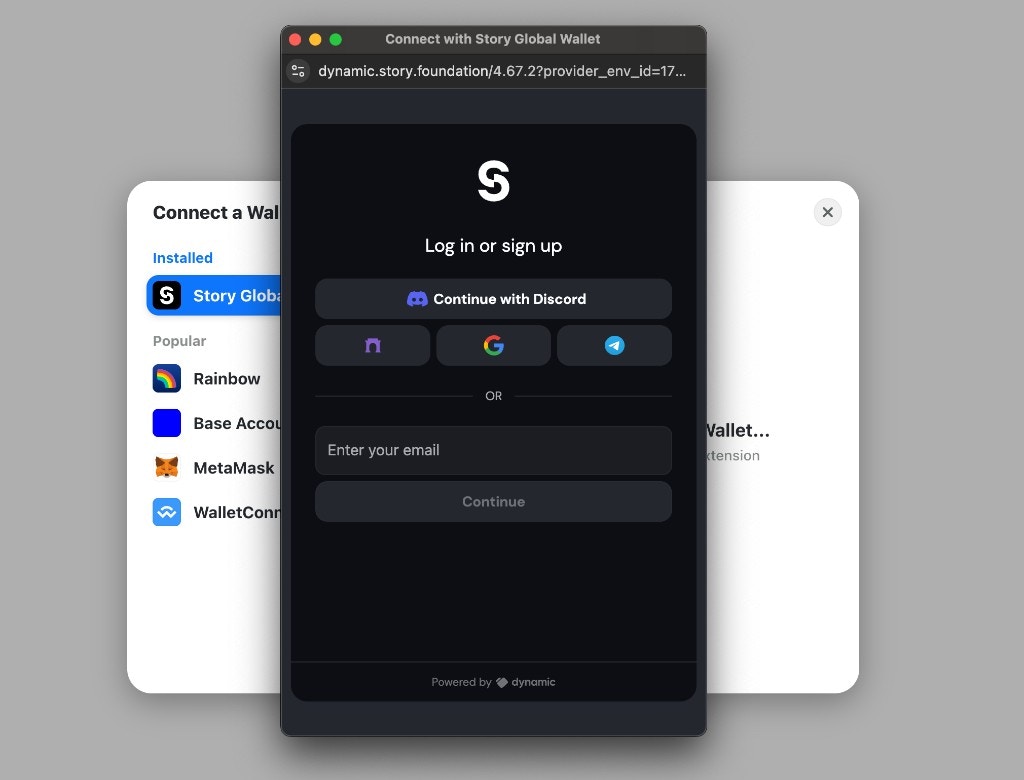
import가 설정되면 "DATA Foundation Global Wallet"이 지갑 연결 UI 지갑 목록에 자동으로 추가됩니다. 그러면 사용자는 Dynamic을 통해 소셜로 로그인할 수 있습니다.
 ## 예제
아래 레퍼런스 구현을 확인하세요. 실행 방법은 [README](https://github.com/piplabs/story-global-wallet/blob/main/README.md)를 꼭 읽으세요.
* [Dynamic wallet + Next.js](https://github.com/piplabs/story-global-wallet/tree/main/examples/dynamic-nextjs)
* [RainbowKit + Vite](https://github.com/piplabs/story-global-wallet/tree/main/examples/rainbowkit-vite)
## 예제
아래 레퍼런스 구현을 확인하세요. 실행 방법은 [README](https://github.com/piplabs/story-global-wallet/blob/main/README.md)를 꼭 읽으세요.
* [Dynamic wallet + Next.js](https://github.com/piplabs/story-global-wallet/tree/main/examples/dynamic-nextjs)
* [RainbowKit + Vite](https://github.com/piplabs/story-global-wallet/tree/main/examples/rainbowkit-vite)